MY Voice Canada
MY Voice Canada App Prototype Design
Context
The benefit of this project was to create a mobile platform for MY Voice Canada, a nonprofit organization that empowers to offer youth creative opportunities using positive media leading to more confident leaders.
The two main challenges was to form and train a remote design and development team during the pandemic, effectively setting up remote research, prototyping, and 18 rounds of A/B testing to deliver a high fidelity prototype.
Takeaway learnt how to work with a remote team to ensure productivity, communication, finding ways for the team and I to stay consistently motivated to meet the expectations we had of working more remotely than in person.
The solution a fully interactive app prototype that successfully translated MY Voice’s brand into a mobile experience, enabling greater youth engagement and setting the foundation for future digital growth.
Used the product design development cycle separating the project into 6 phases. 3 of the 6 phases design, develop, market & launch Implemented design thinking methods and systems to ensure remote productivity.
Design
Develop
Market & Launch
A / B design prototype findings were gathered using Affinity Mapping and Card Sorting to better discern the results of all the users who completed the task scenarios for Read, Watch, Question & Answer Concepts during the facilitation sessions.
Used Must Have from MoSCoW sprint to determine if the target user audience would benefit from selected features and sections, voted by the team and I during a sprint based off facilitation sessions.
A/B User Testing Observations
“Discovered that users were looking for an in app experience to connect with people, have their questions answered and posted up with their personal information protected. View, read, and video content that addresses current topics and rising issues.”
A / B User Testing Insights
A / B design prototype findings were gathered using Affinity Mapping and Card Sorting to better discern the results of all the users who completed the task scenarios for Read, Watch, Question & Answer Concepts during the facilitation sessions.
Used Must Have from MoSCoW sprint to determine if the target user audience would benefit from selected features and sections, voted by the team and I during a sprint based off facilitation sessions.
A/B User Testing Observations
“Discovered that users were looking for an in app experience to connect with people, have their questions answered and posted up with their personal information protected. View, read, and video content that addresses current topics and rising issues.”
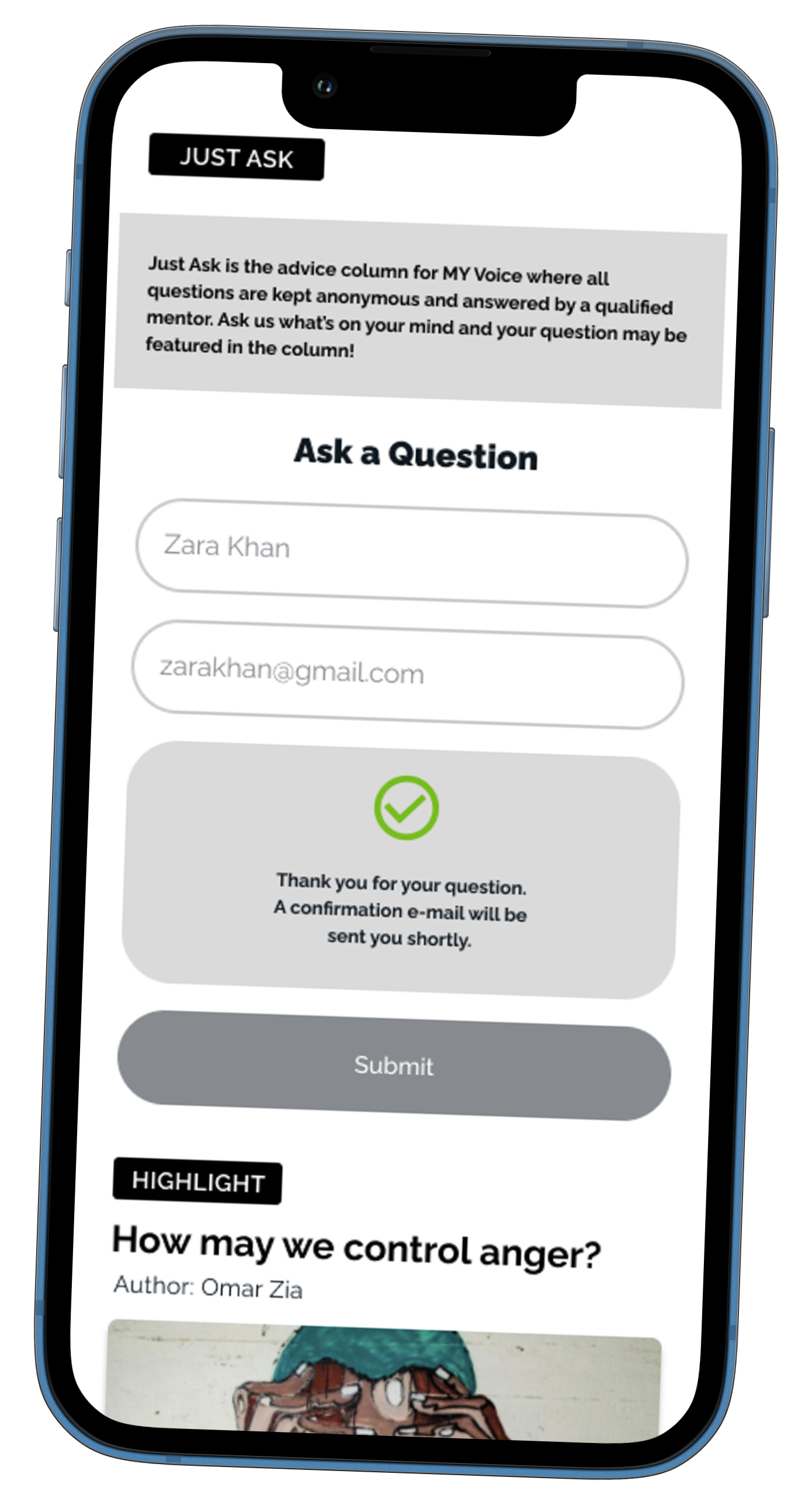
Question & Answer - Just Ask
Users found having a feature where they can ask personal questions was very important for their knowledge.
Question & Answer - Just Ask
Users found having a feature where they can ask personal questions was very important for their knowledge.
Watch
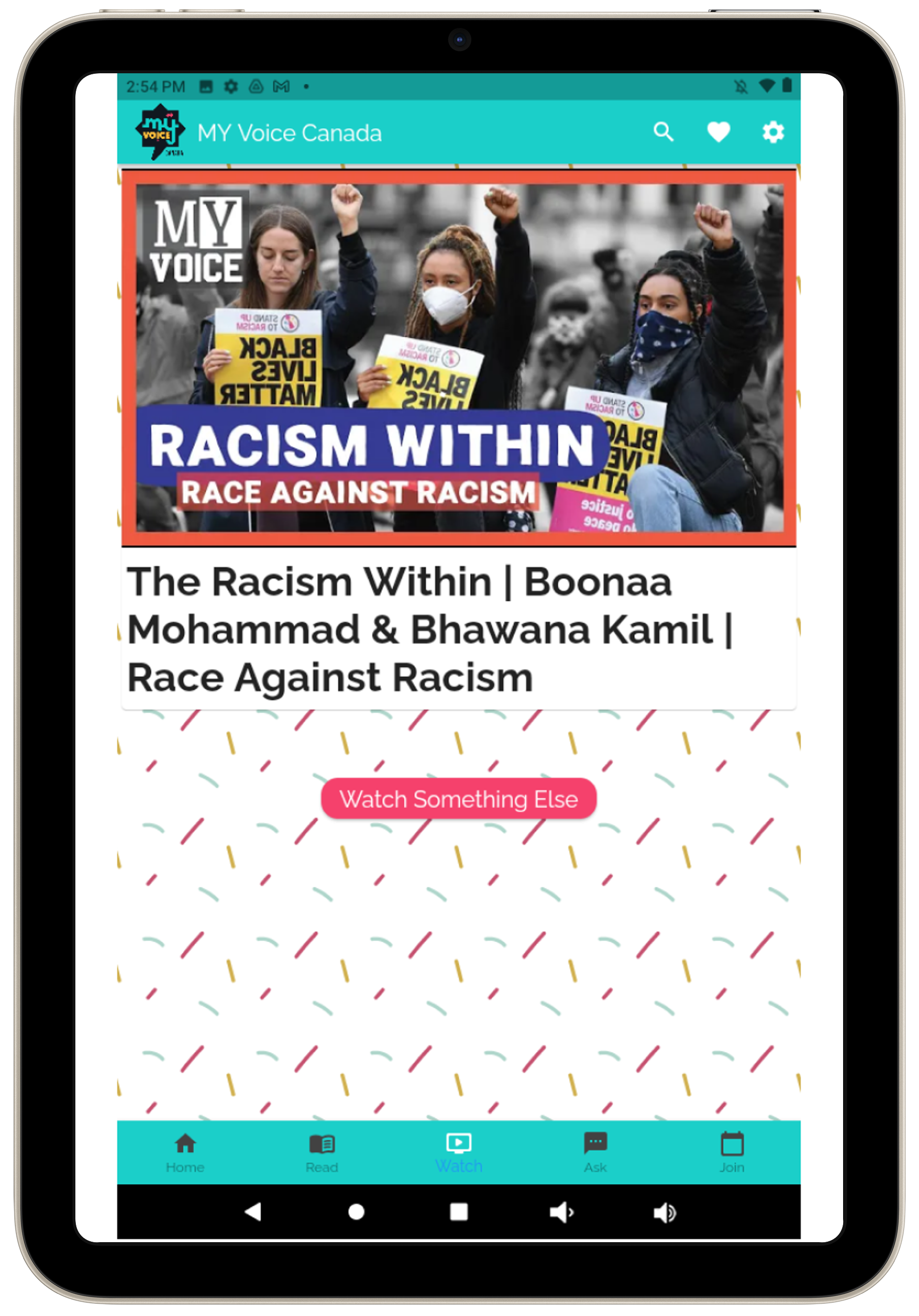
Watching the different series channels on the app is something the users felt was a must have feature.
Read
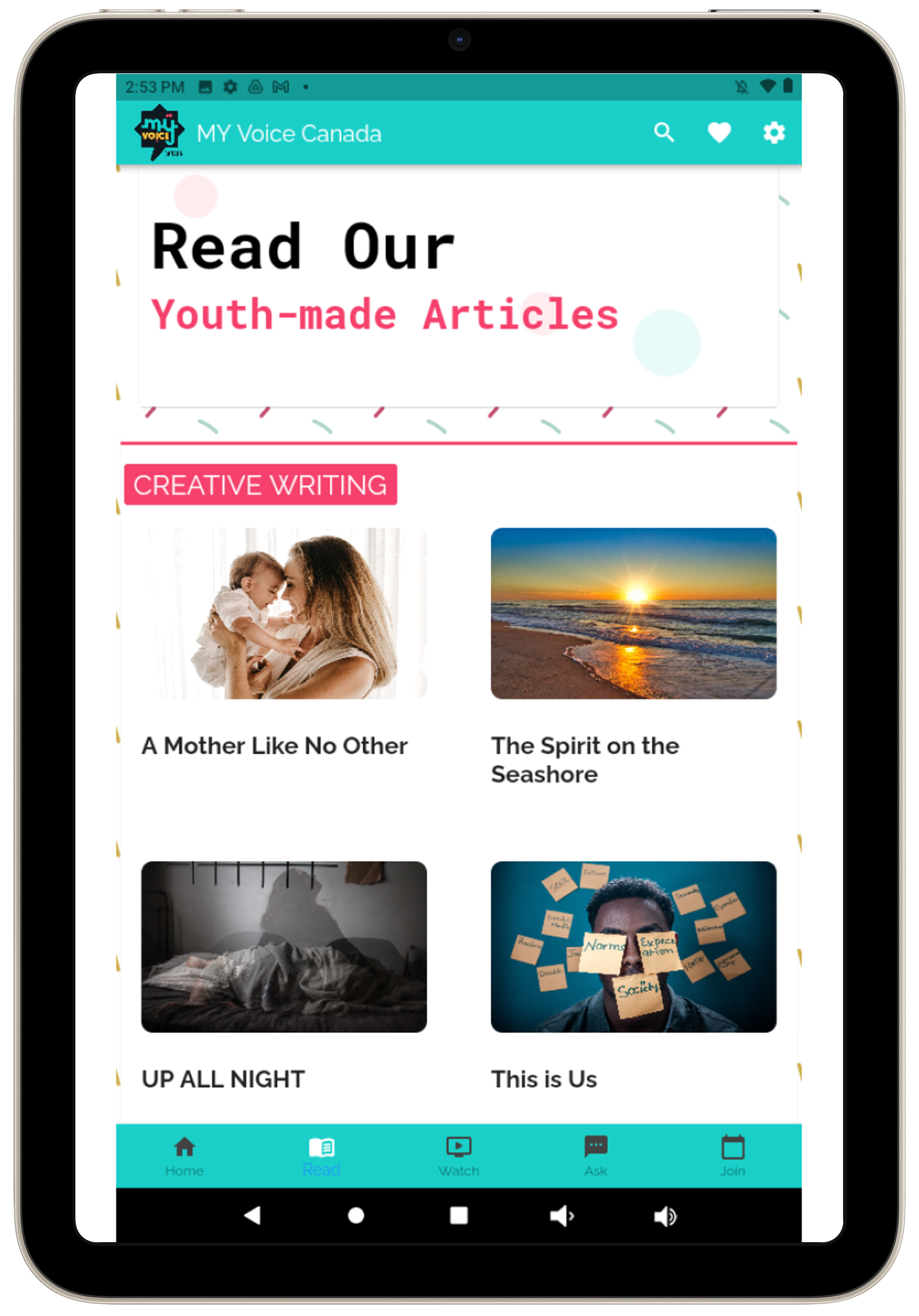
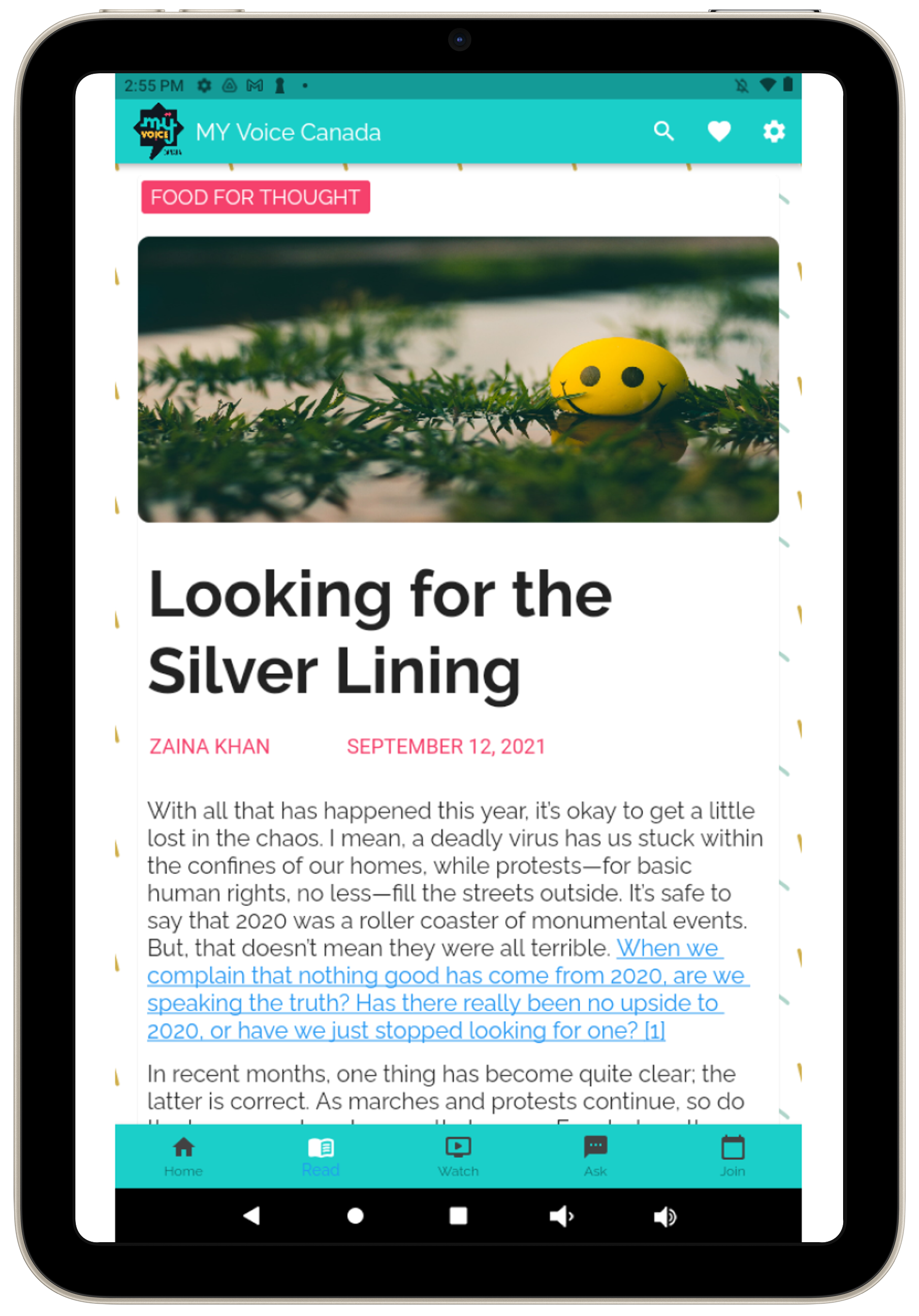
This feature worked out really well, users enjoyed and would use this feature.
User Interface & Visual Design
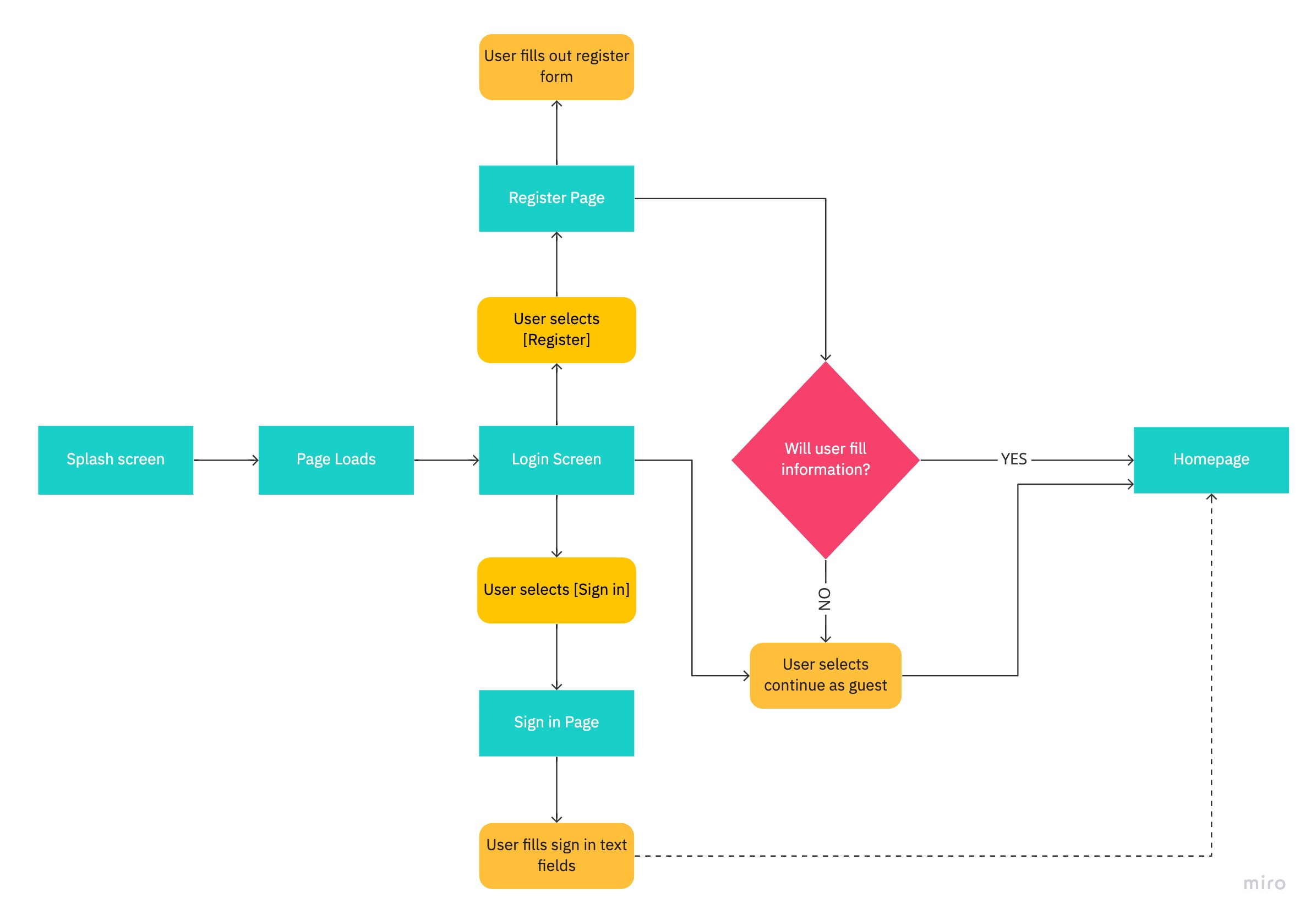
User Login
Design Phase
User Interface & Visual Design
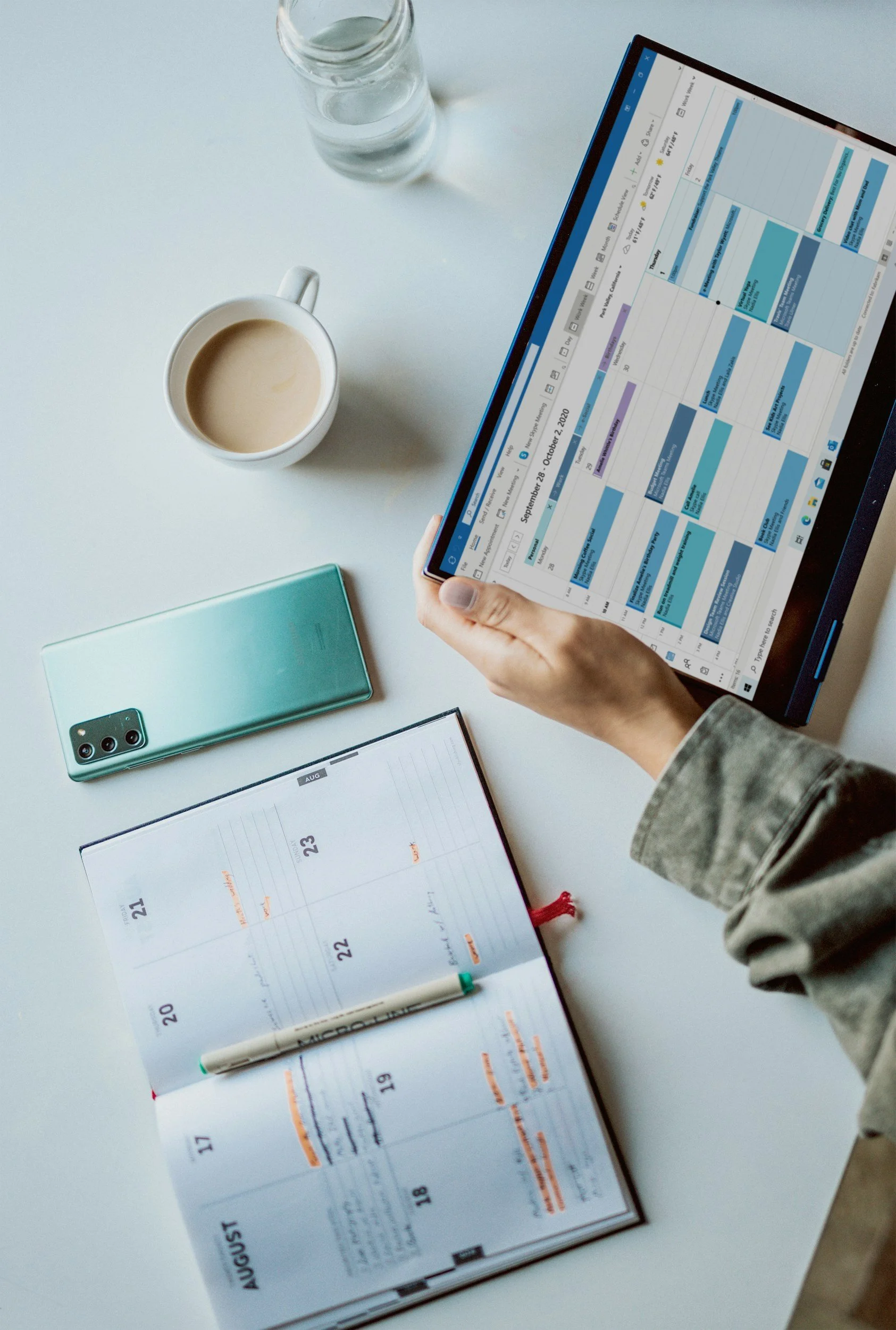
Using the concept solutions and MoSCoW method, I led and worked with the UI designer on the framework to create the high-fi prototypes for A / B user testing.
MoSCoW Must Have Design Prototype Features and Benefits
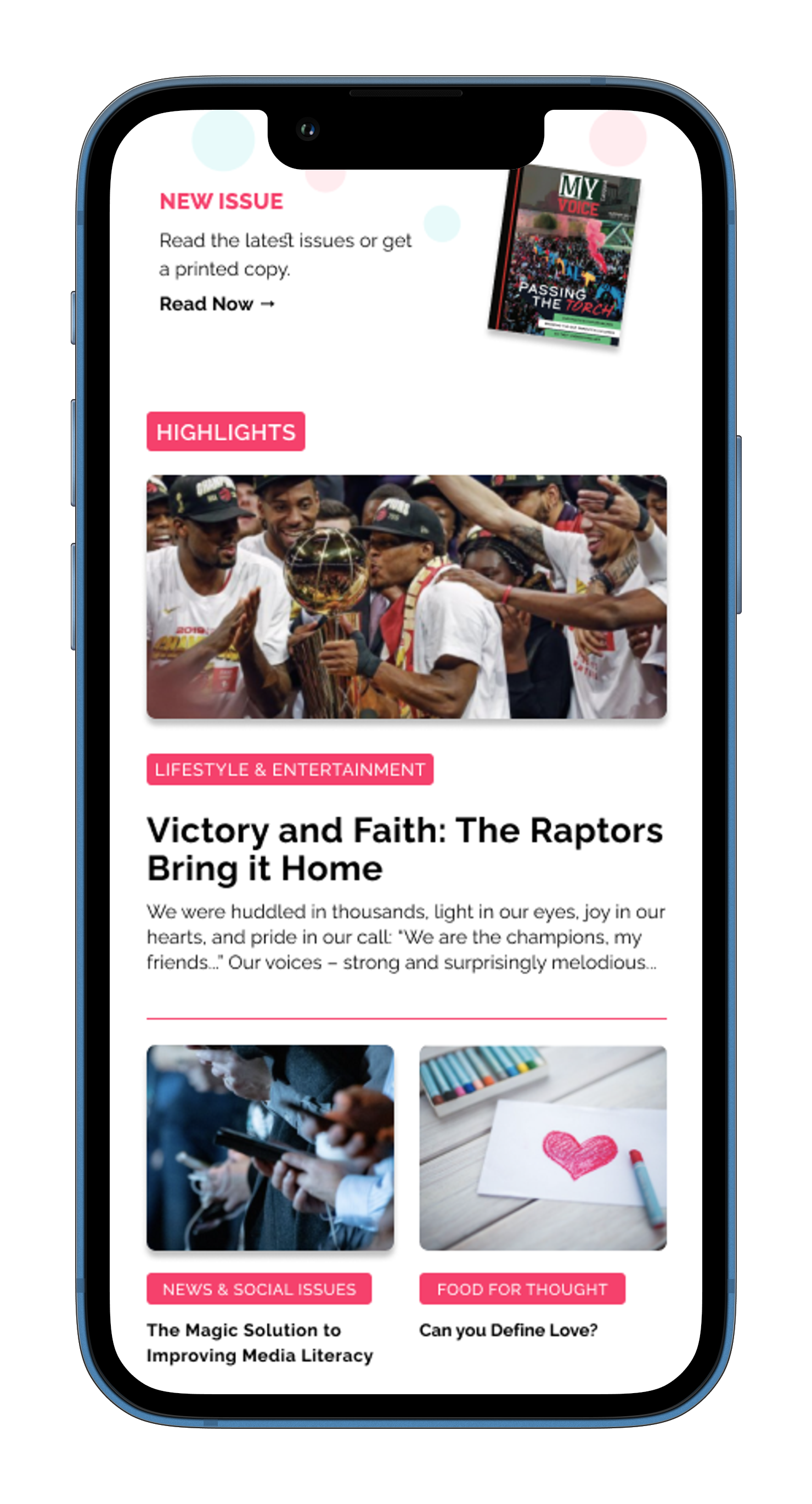
Read
Read
Users enjoyed navigating this Must Have feature they found it beneficial and relevant.
User Testers
“Users found app prototype design was simple and well branded, easy to follow navigation, and no major distractions. There was more positive feedback and a good user experience with Version B, as users found navigation in achieving their goals reasonable.”
Question & Answer
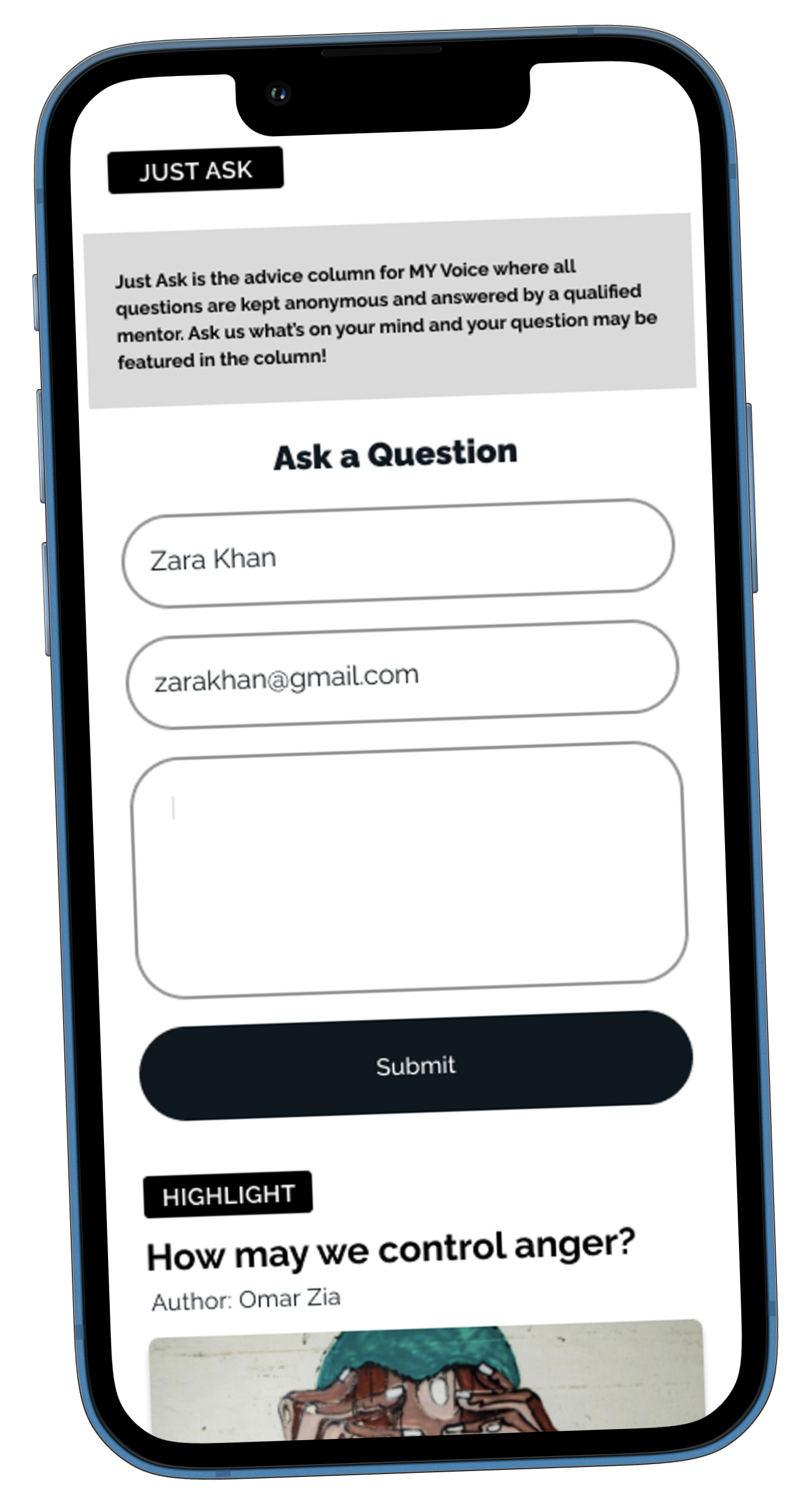
Question & Answer - Just Ask
Users found having a feature where they can ask personal questions was very important for their knowledge.
Read
This feature worked out really well, users enjoyed and would use this feature.
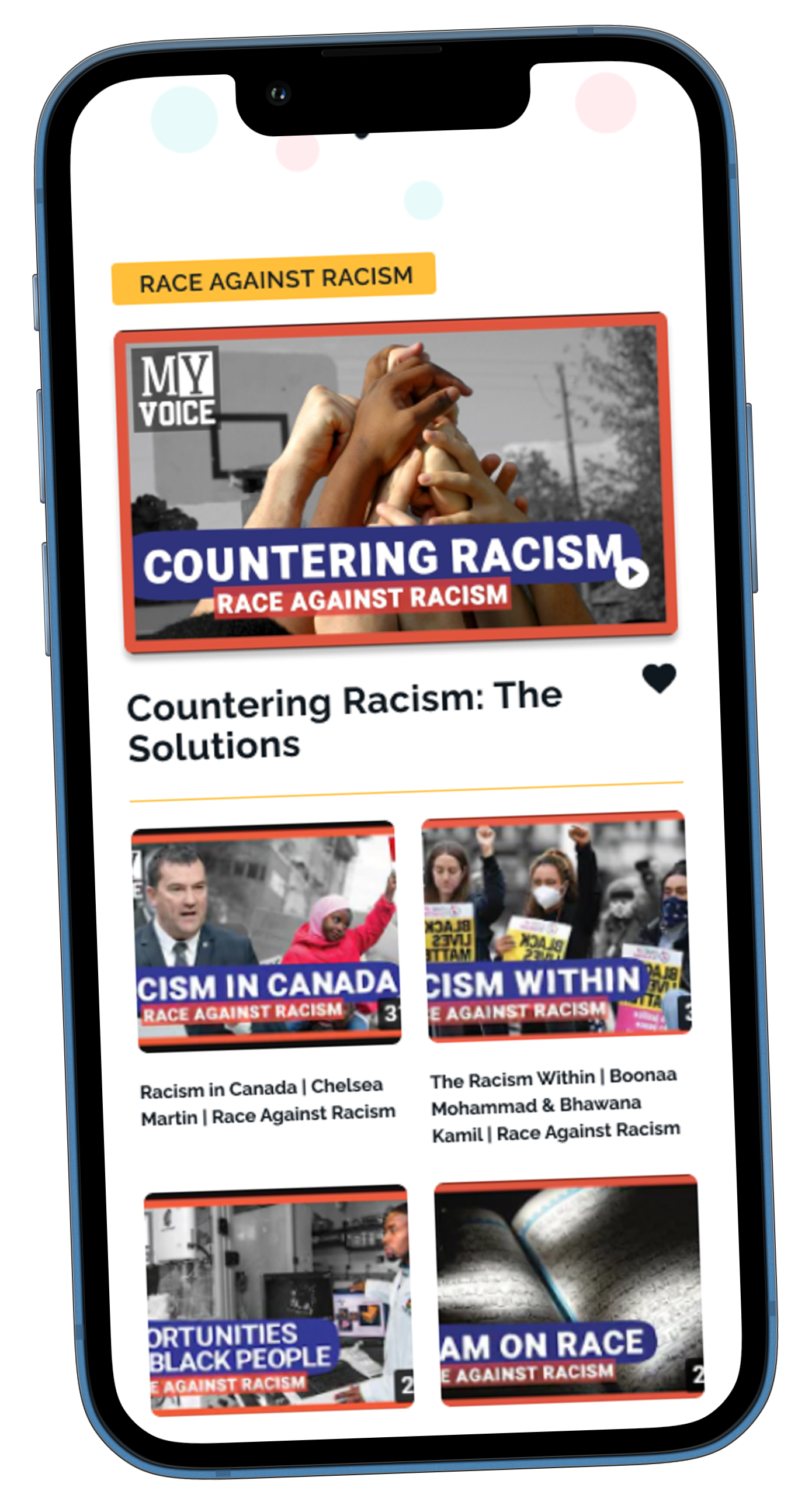
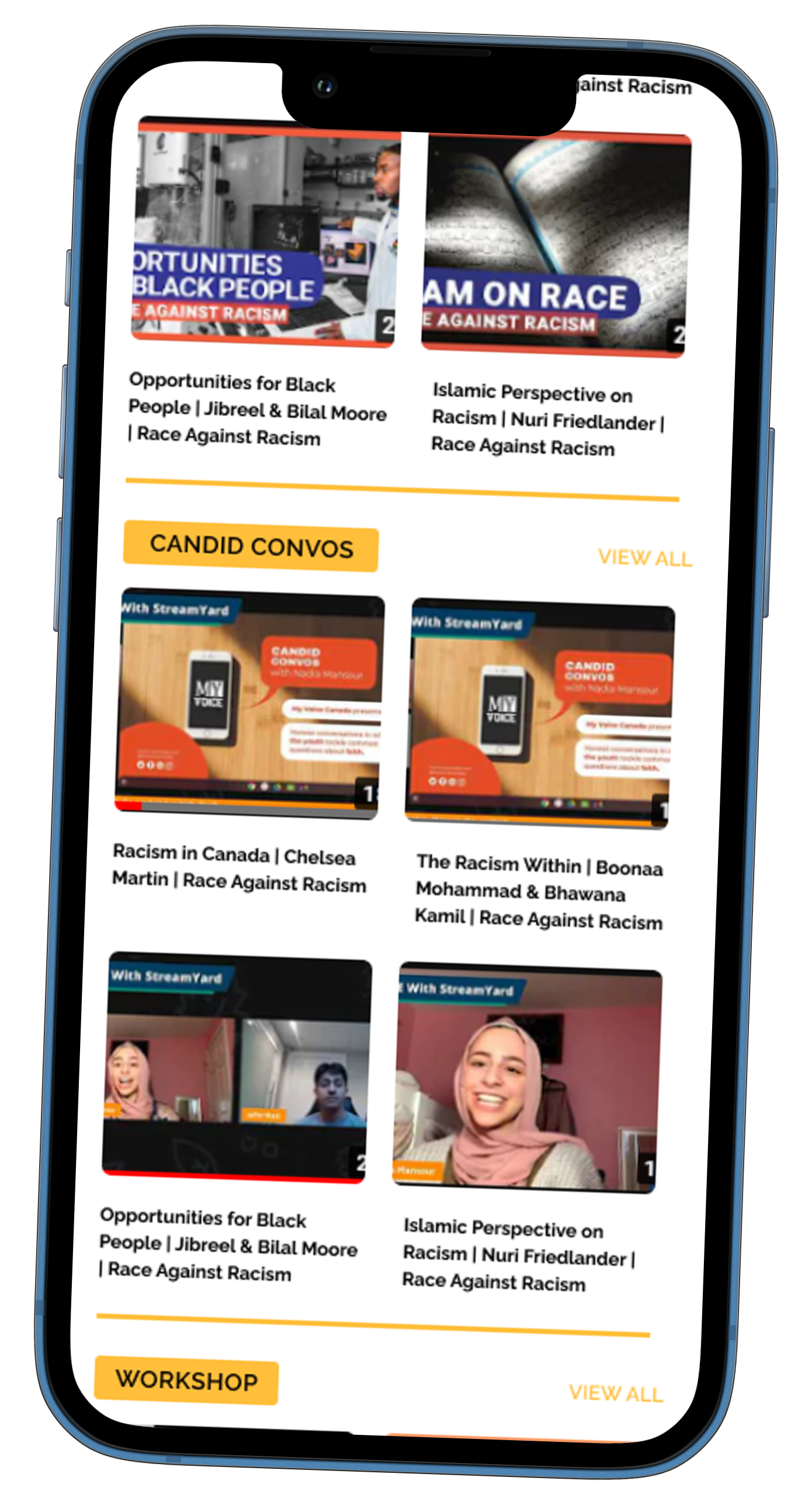
Watch
Watch
Watching the different series channels on the app is something the users felt was a Must Have feature, with the option to browse by category.
Watch
Watching the different series channels on the app is something the users feel is a must have feature.
Made a User Flow to show the architecture of user interaction thoroughly for 3 primary areas users would navigate.
Concept Model - Mind Map
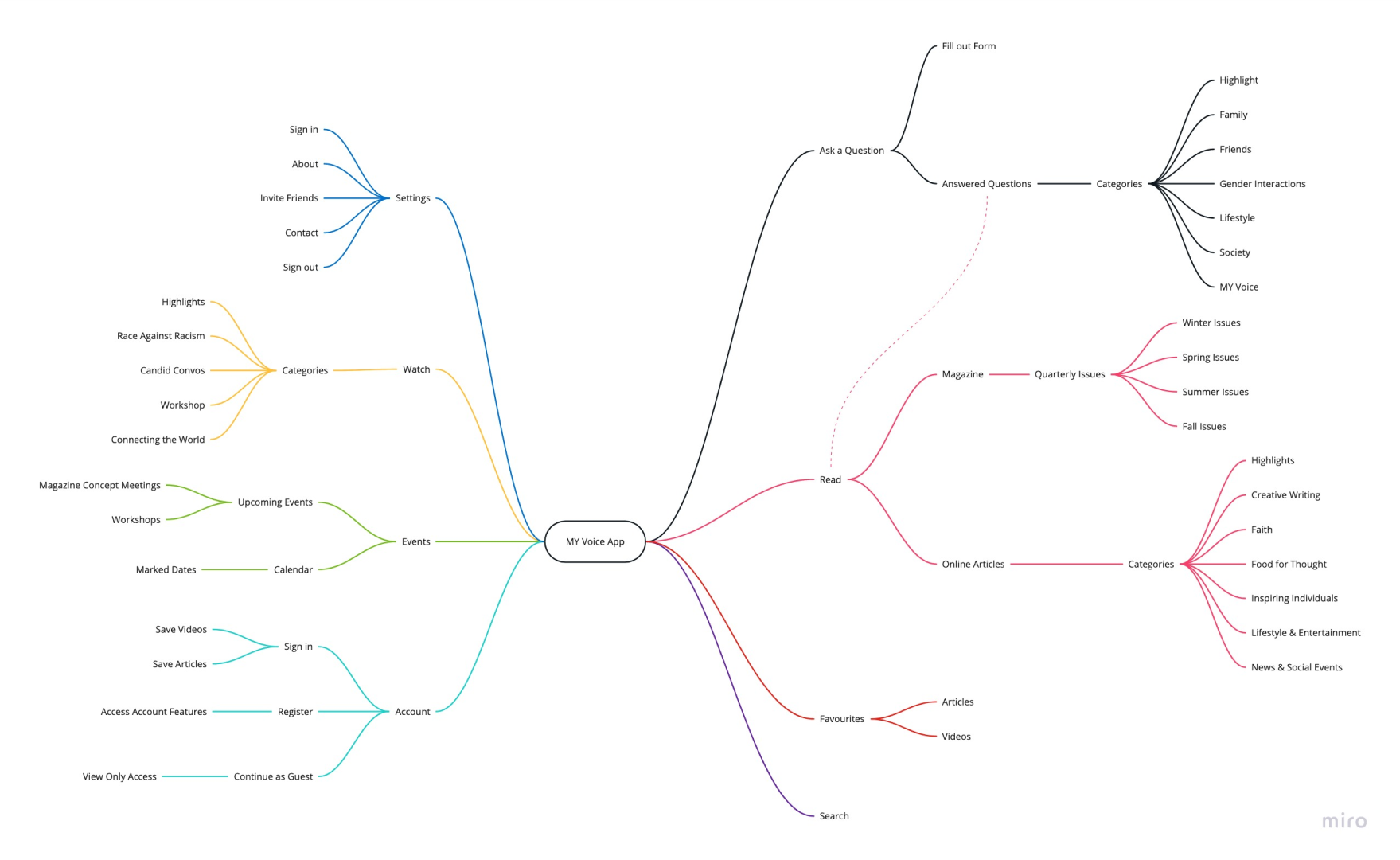
Concept Model - Mind Map
Brainstormed Concept Model by creating a Mind Map to figure out what categories each concept would have under it.
User Interface & Visual Design
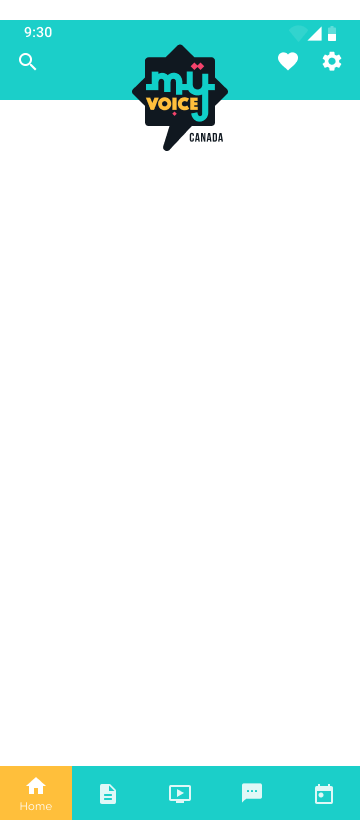
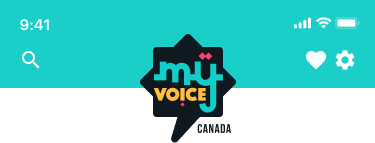


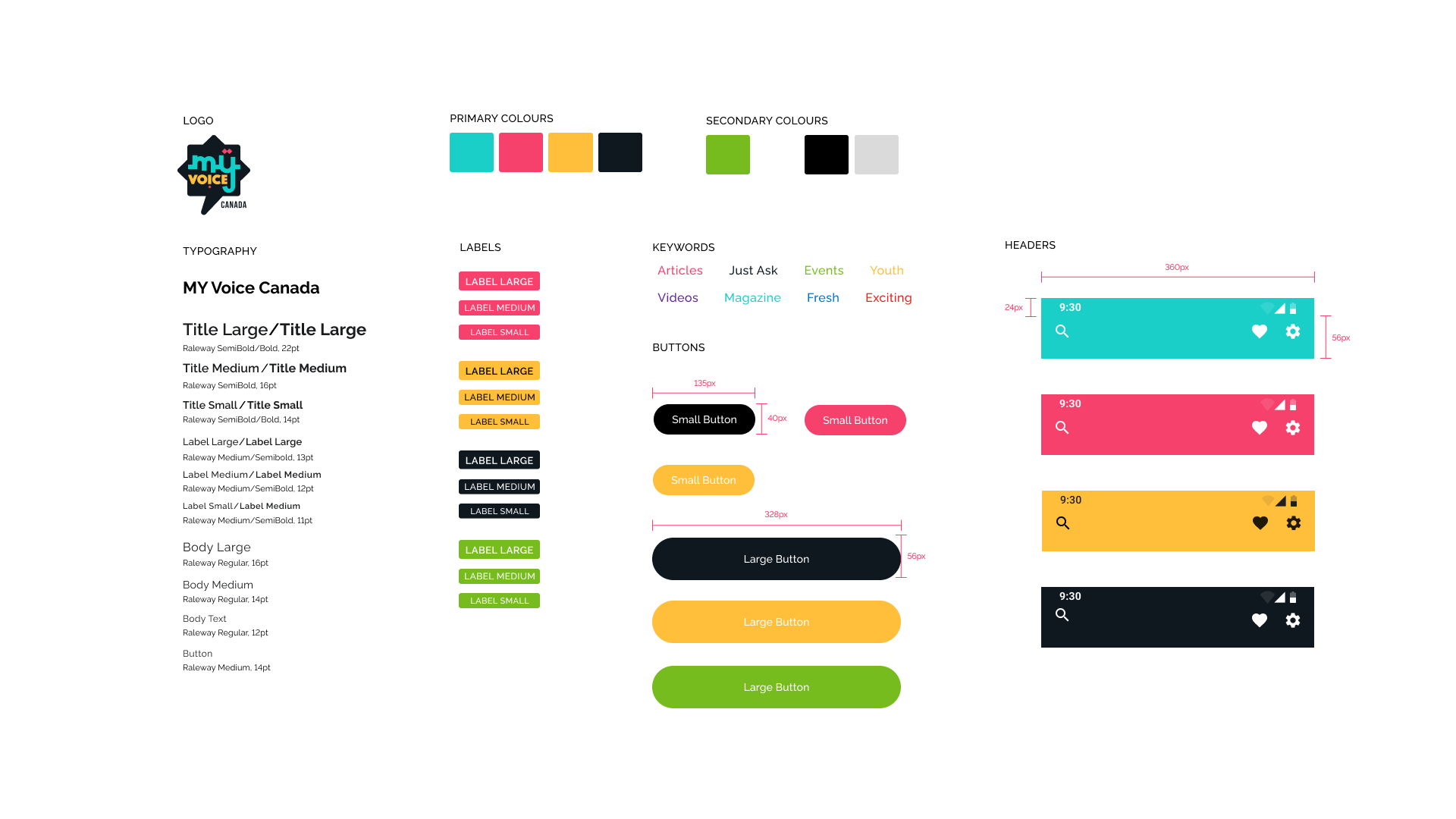
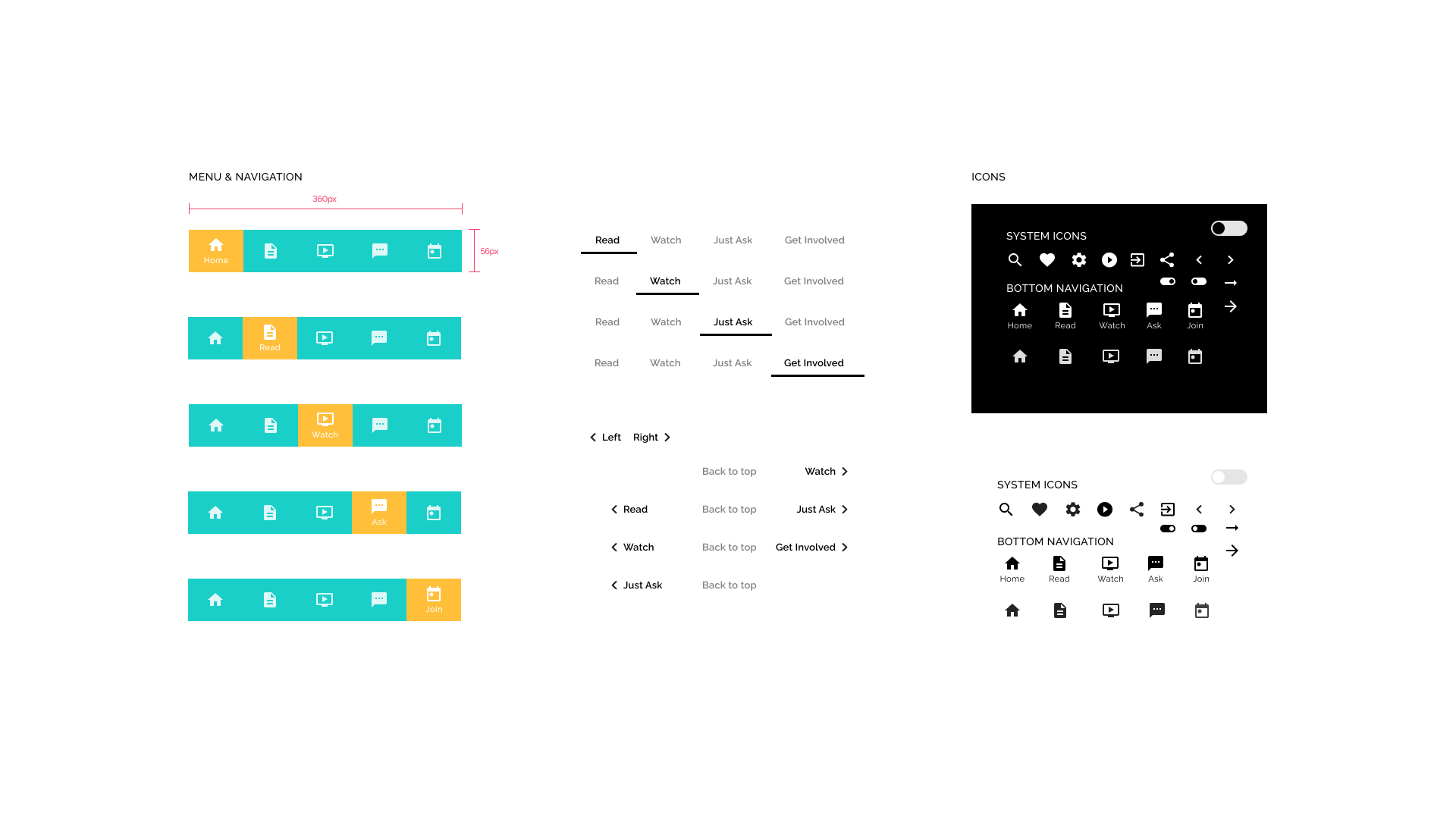
Visual design shows the Brands Visual Design and UI Design components made using the Flutter Material Design System.
App Site Map
Using the concept model we created the framework of the App Site Map to lay out the details of the app’s navigation.
App Site Map
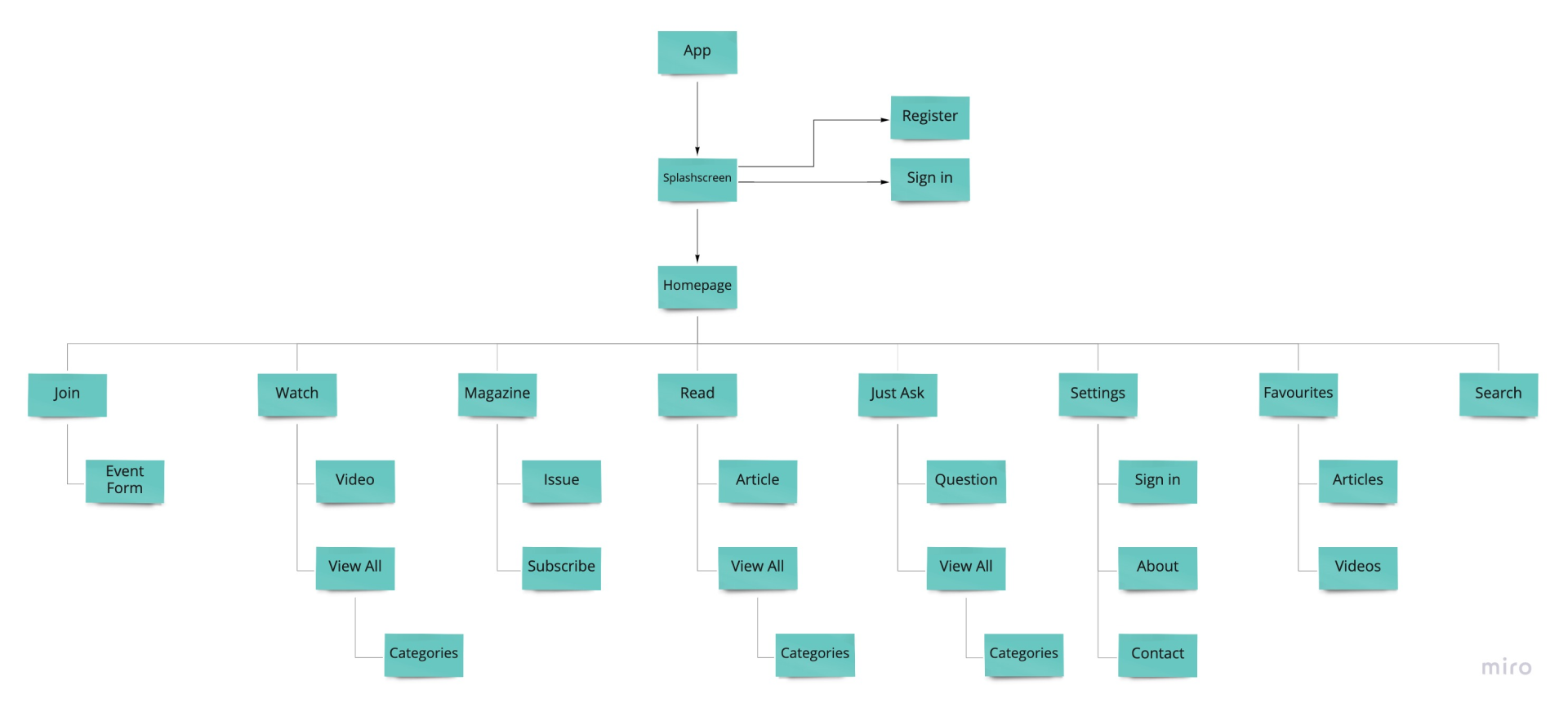
App Site Map
User Flow
Made a User Flow to show the architecture of user interaction thoroughly for 3 primary areas users would navigate.
User Flow
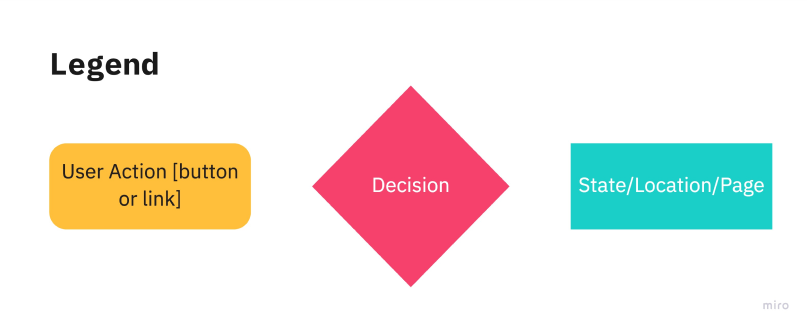
User Flow - Read
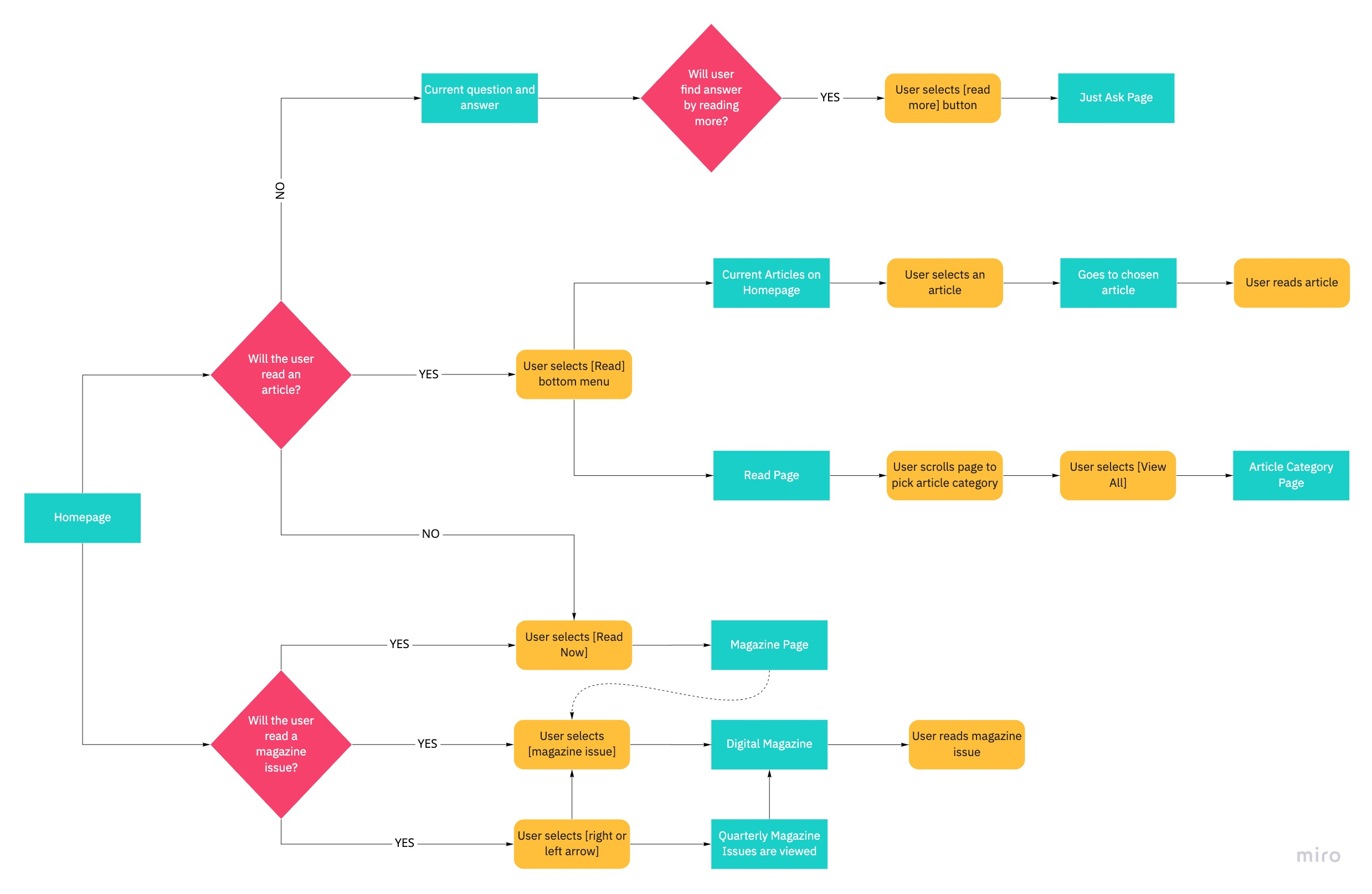
User Flow - Read
User Flow - Just Ask
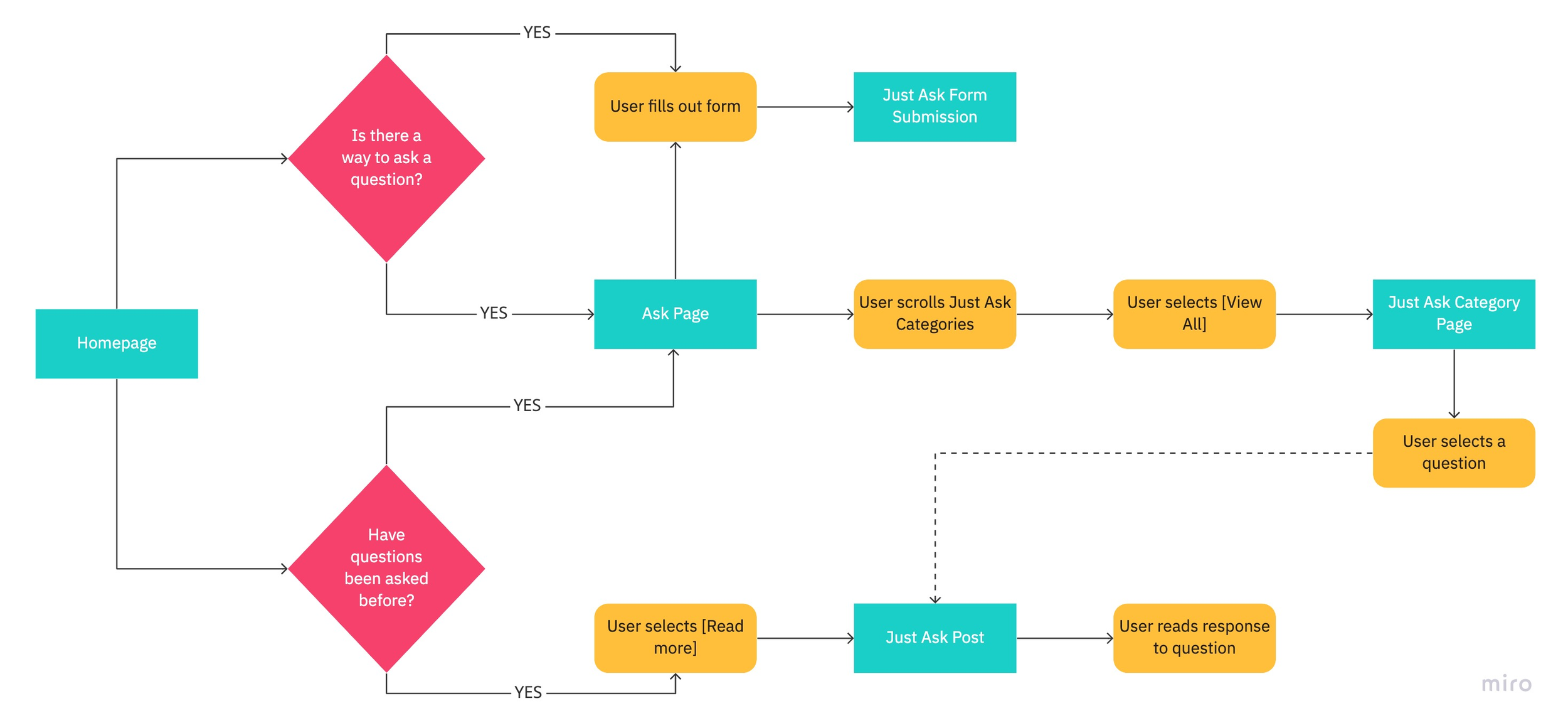
User Flow - Just Ask
User Flow - Watch
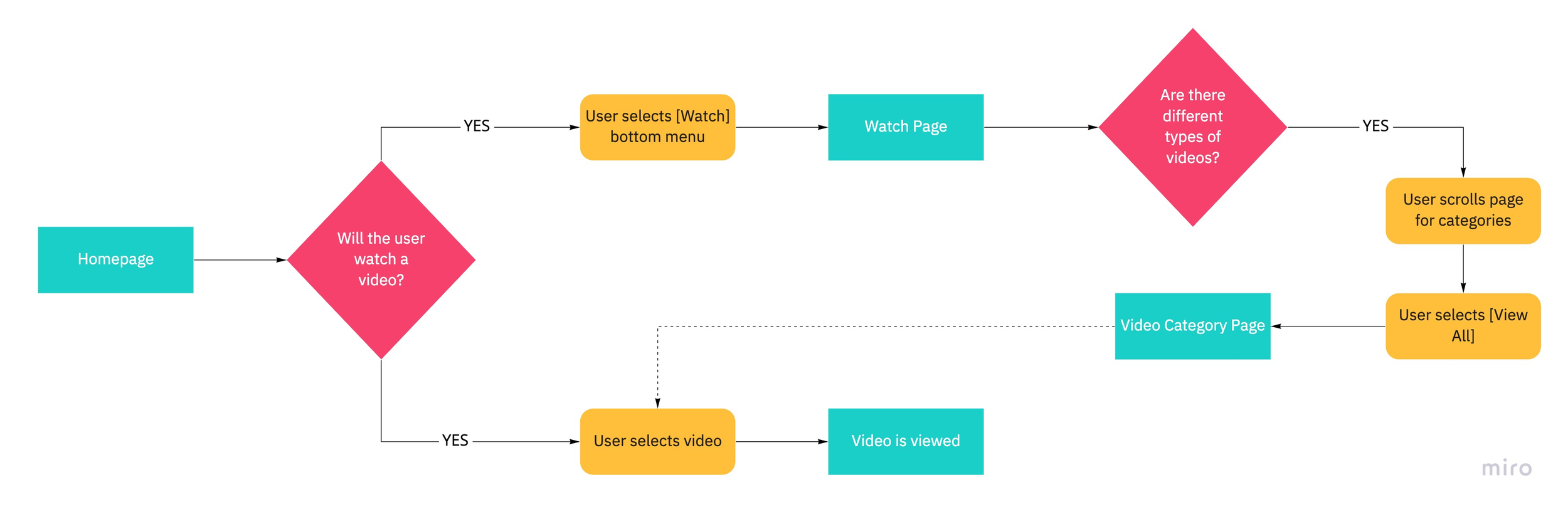
User Flow - Watch
Design Phase Takeaways
Team & I
“More check-ins on team progress to reduce last minute project mishaps. Alpha testing from Play Store with the same and new audience to participate in A/B user testing. Results would have been quickly retracted leading to public launch sooner by the designers and developer.”
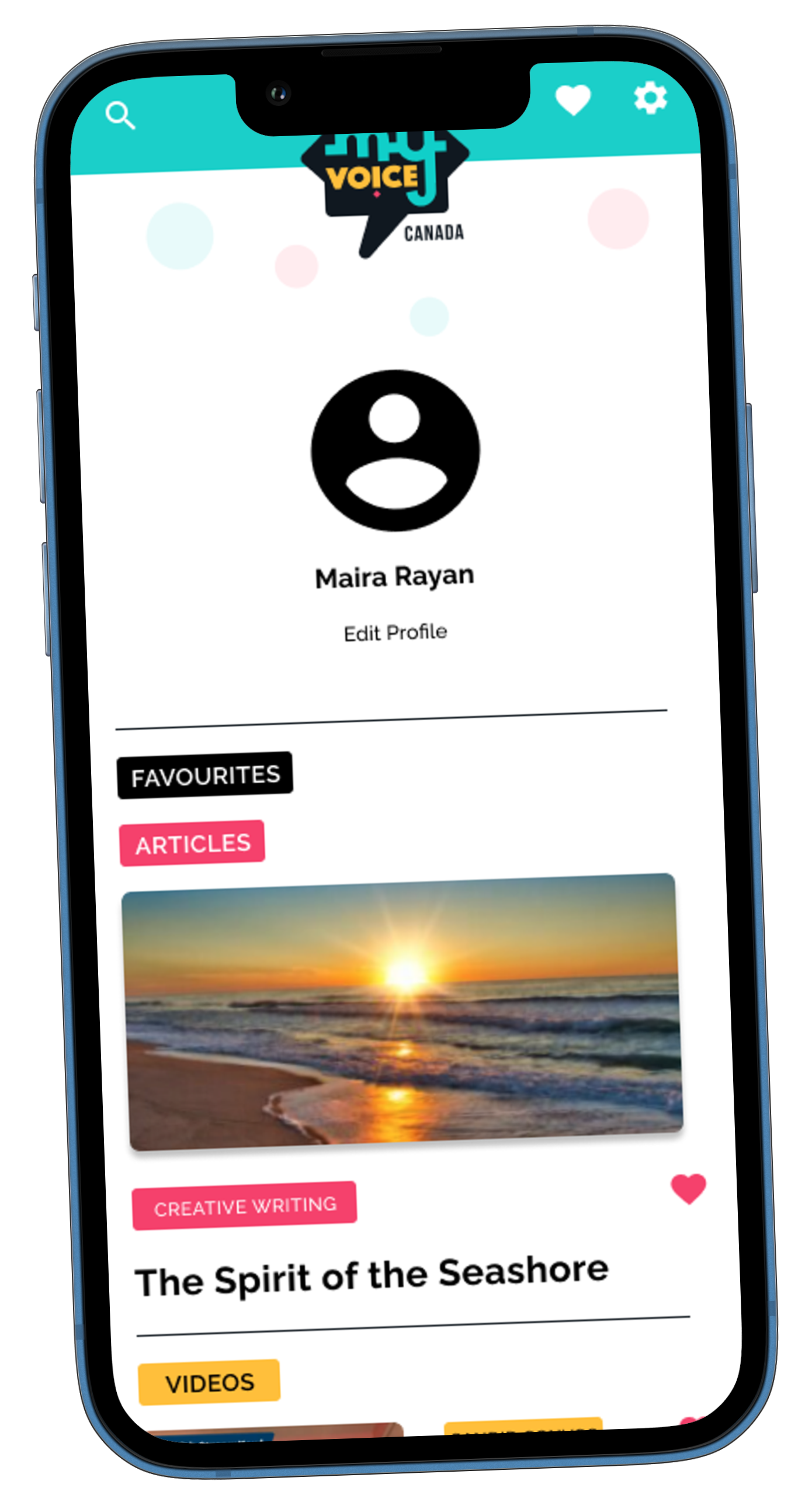
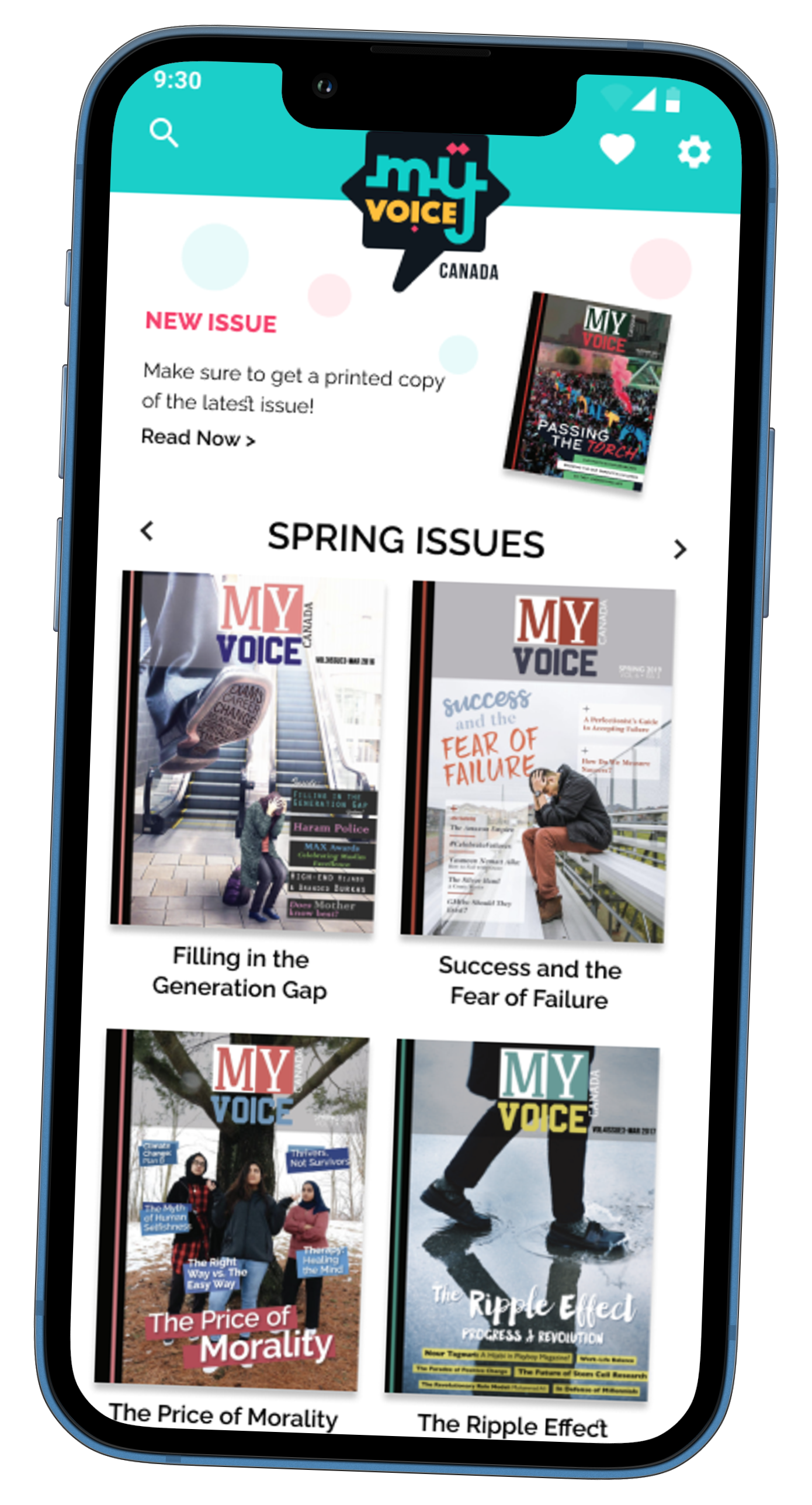
MVP (Minimum Viable Product)
Develop Phase
Develop Phase
Develop Phase
Oversaw Android App private launch on Google Play store, set up the developer to successfully launch. A private launch determined what bugs, fixes, and features functionality needed updating. Android was chosen as the developer at the time was most familiar with this operating system.
MVP (Minimum Viable Product)
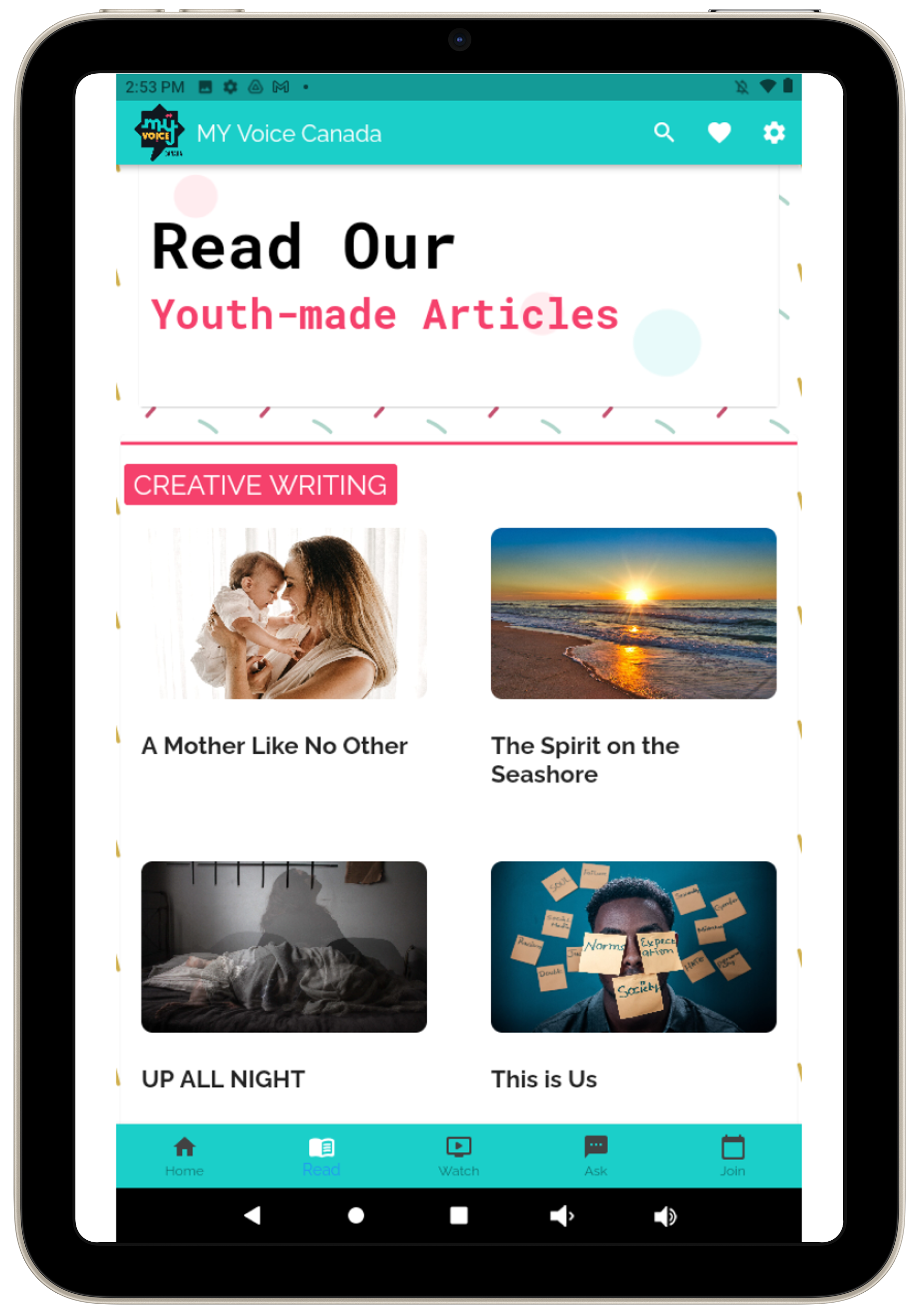
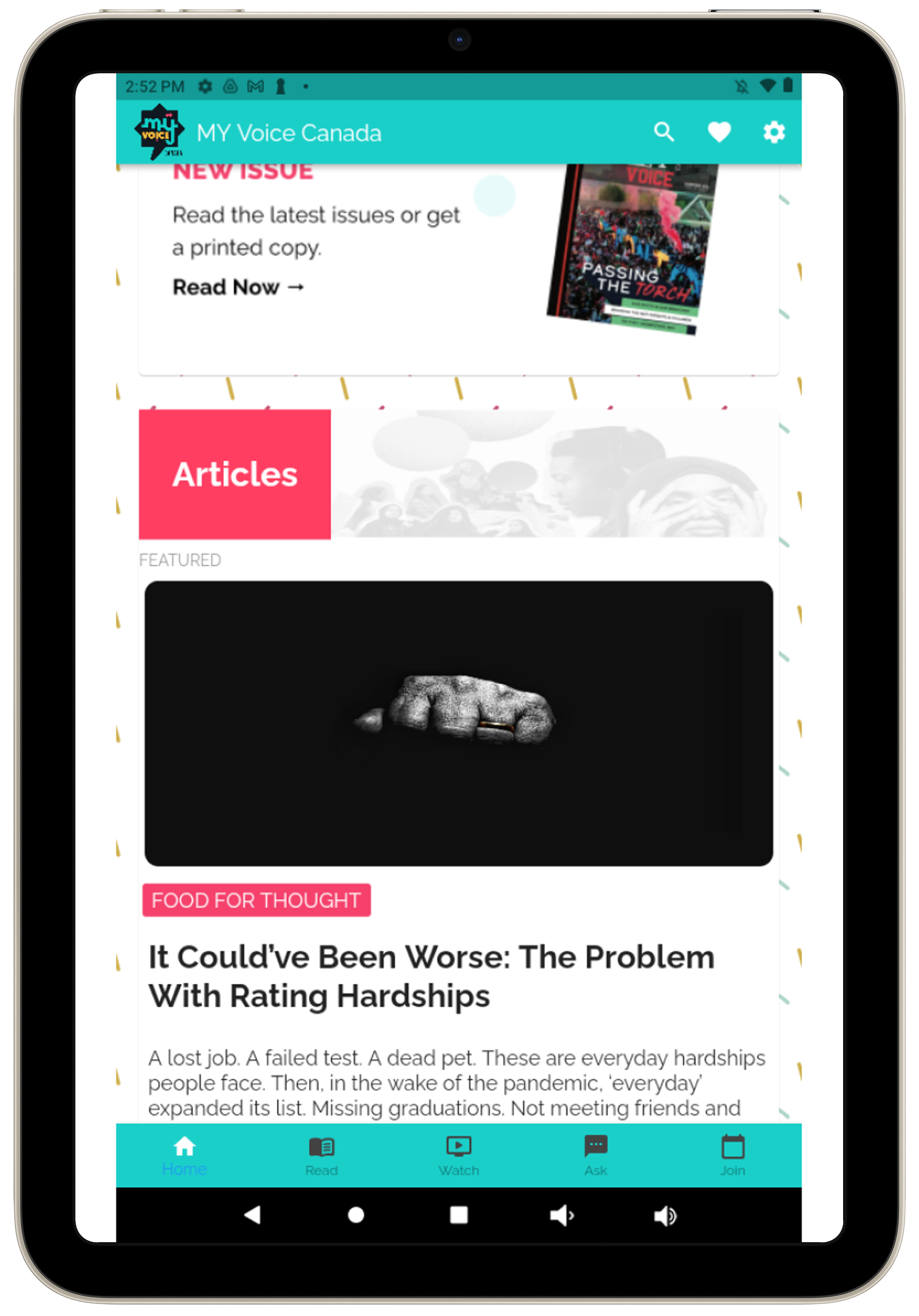
Set up resources to train and assist the junior developer in developing a MVP (Minimum Viable Product). Developer worked on the Must Have Read feature users wanted the most based off of the conclusion from the MoSCoW analysis.
Develop Phase Takeaways
Develop Phase Takeaways
As team lead I’ve learnt approaching the developer with more frequent check-ins to share progress with the team, discuss setbacks early on to re-evaluate existing deadlines, and recruit a second developer.

Market & Launch Takeaways
Business & Marketing
Market & Launch Takeaways
Market & Launch Phase
I put together funding for the process of making the end product and promoting on social media and other digital platforms.
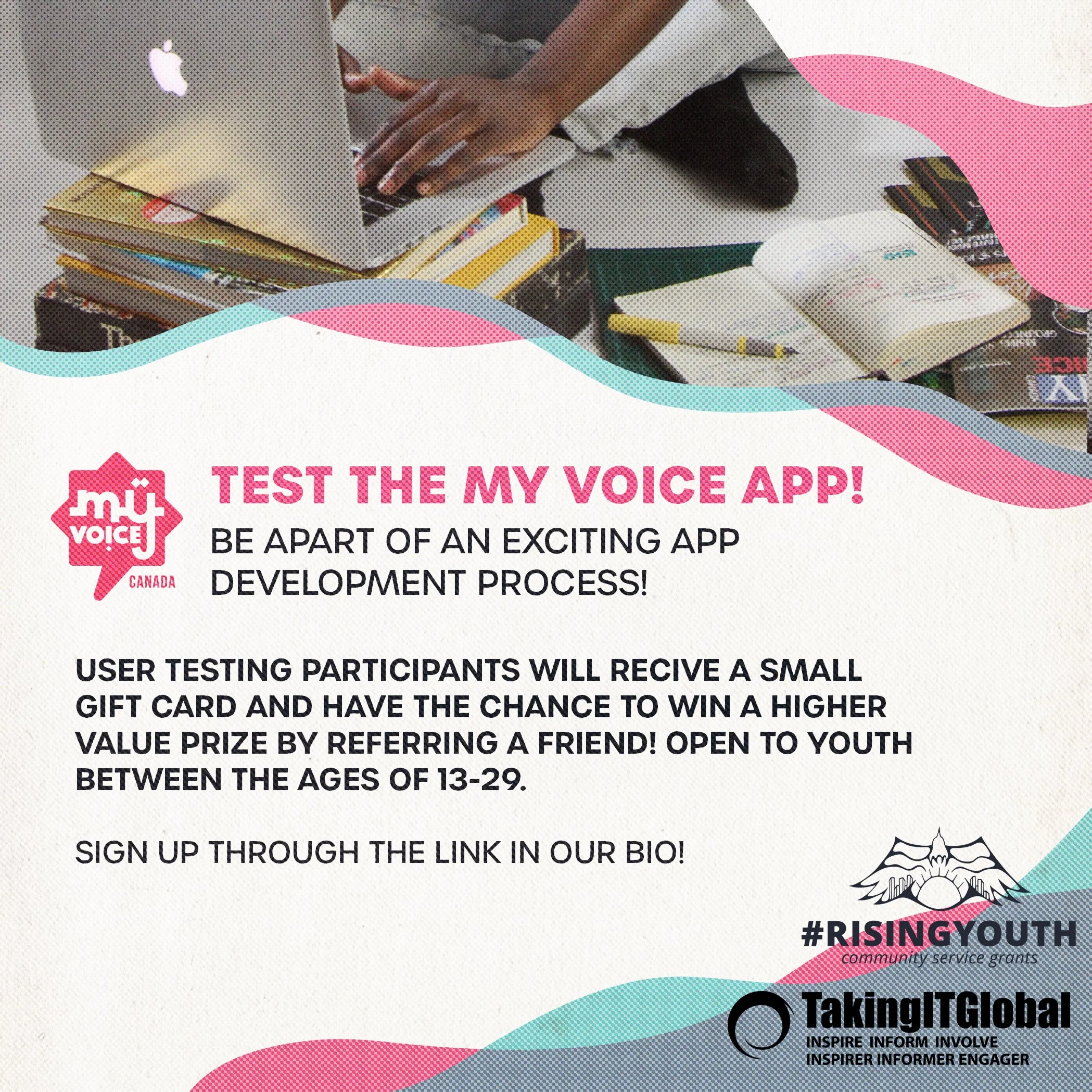
Social Media
Social Media
Market & Launch Phase
Collaborated with Team Coordinator, Social Media & Video Team Leads to have them create short marketing video concepts on the app to post on social media.
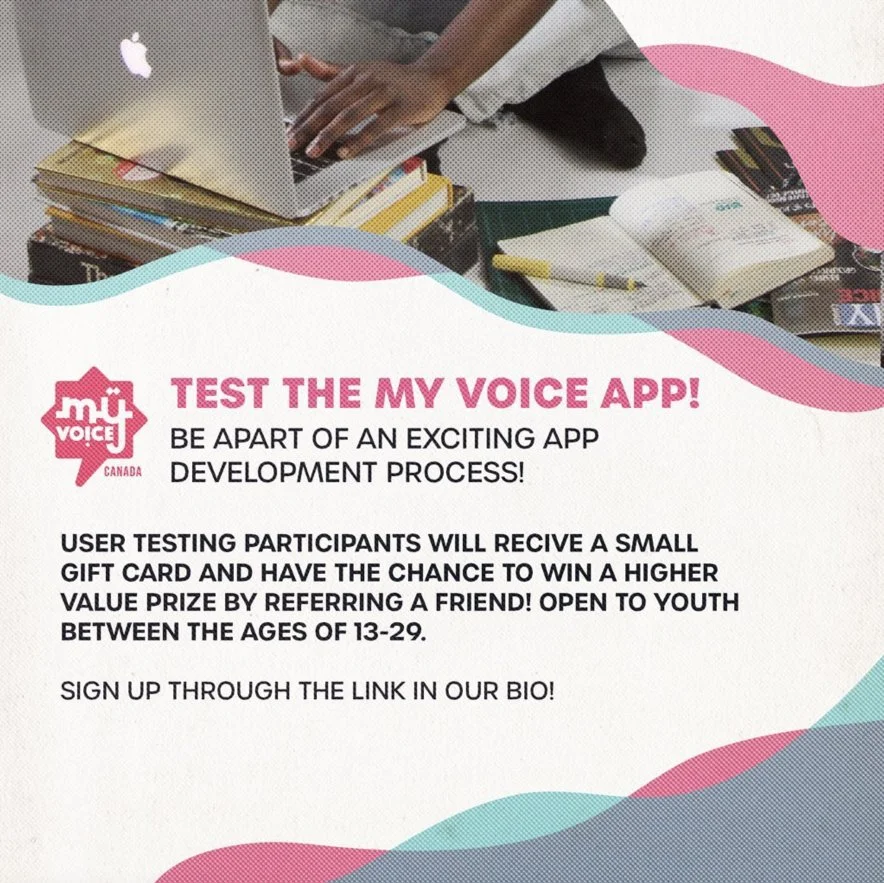
Business & Marketing
I worked with the Junior Business & Marketing Representative on methods for project funding and marketing approaches.
Marketing the app project for further hire, user testing through social media and other digital media platforms.
1
Promotion of the app’s private launch on the Google Play Store.
2
Business plan to figure out the best way to utilize our resources through collaboration with internal teams and external stakeholders.
3
Market & Launch Takeaways
Laying out a business plan and promotional marketing of the product earlier in the project leaves room for revising and adapting the project to unexpected changes before the final launch date.
“After working on this project the team knew they learned a lot. Things that they felt could be done differently, time management, a landing page promoting the launch of the app, communication with other partner organizations both in and outside of their network to help promote the product.”